
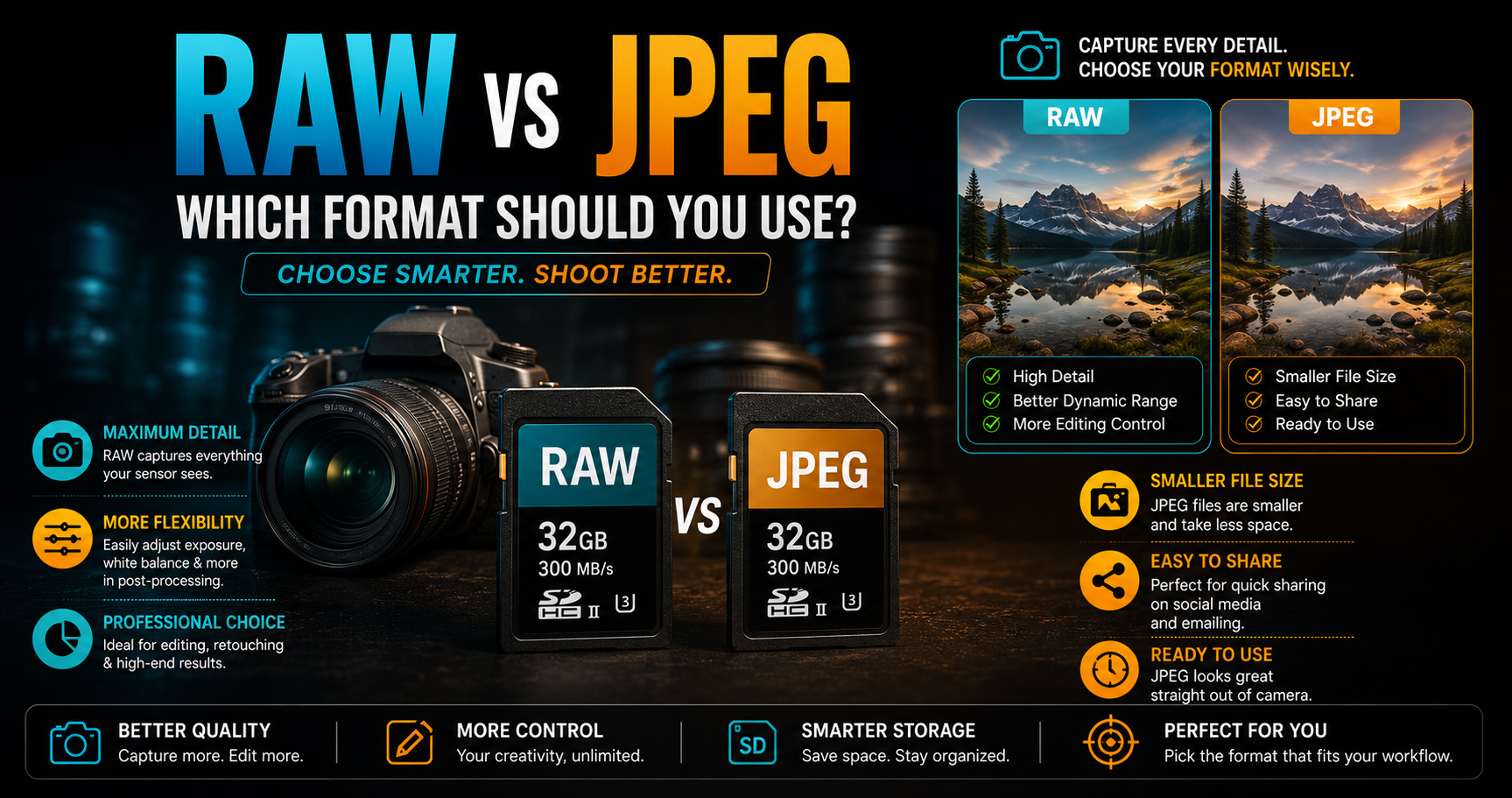
RAW vs JPEG: Which Format Should You Use in 2026?
One of the most common questions every beginner photographer asks is:
“Should I shoot in RAW or JPEG?”
The answer depends on how you plan to use your photos. If you’re capturing family memories, JPEG may be enough. But if you want to become a professional photographer, wedding cinematographer, or photo editor, understanding RAW and JPEG is essential.
In this guide, you’ll learn:
- What is a RAW file?
- What is a JPEG file?
- Key differences between RAW and JPEG
- Advantages and disadvantages
- Which format professionals use
- Which format is best for beginners
- When to choose RAW and when to choose JPEG
By the end, you’ll know exactly which format fits your photography style.
What is a RAW File?
A RAW file is the original, unprocessed image captured directly by your camera sensor.
Think of it as a digital negative. It stores almost all the information your camera captures before any sharpening, color adjustments, or compression.
Because of this, RAW files give photographers maximum control during editing.
Common RAW File Extensions
- Canon – .CR3 / .CR2
- Nikon – .NEF
- Sony – .ARW
- Fujifilm – .RAF
- Panasonic – .RW2
- Adobe – .DNG
Every camera brand has its own RAW format, but they all serve the same purpose.
What is a JPEG File?
A JPEG is a processed image.
When you capture a photo in JPEG, the camera automatically:
- Adjusts colors
- Applies contrast
- Sharpens the image
- Reduces noise
- Compresses the file
This makes JPEG files smaller and ready to share immediately.
However, some image information is permanently discarded during compression.
RAW vs JPEG: Main Differences
| Feature | RAW | JPEG |
|---|---|---|
| Image Quality | Highest | Good |
| File Size | Large | Small |
| Editing Flexibility | Excellent | Limited |
| Dynamic Range | High | Lower |
| White Balance Adjustment | Easy | Limited |
| Sharing | Needs editing | Ready instantly |
| Storage Required | More | Less |
| Professional Use | Yes | Sometimes |
Image Quality Comparison
RAW files preserve much more detail.
If a photo is slightly underexposed or overexposed, RAW allows you to recover details that may be impossible to restore from a JPEG.
JPEG files look good straight out of the camera but offer less flexibility for major edits.
Winner: ✅ RAW
Editing Flexibility
This is the biggest advantage of RAW.
With RAW, you can easily adjust:
- Exposure
- Highlights
- Shadows
- White Balance
- Colors
- Contrast
- Sharpness
Without significantly reducing image quality.
JPEG files lose quality more quickly with heavy editing.
Winner: ✅ RAW
File Size
RAW files contain much more information, so they take up more storage.
Example:
- RAW: 25–60 MB (or more)
- JPEG: 3–12 MB
If storage space is limited or you need to transfer images quickly, JPEG is more convenient.
Winner: ✅ JPEG
Speed and Workflow
JPEG files are ready to use immediately.
They are ideal for:
- Social media
- Quick client previews
- Everyday photography
RAW files usually require editing before sharing.
Winner: ✅ JPEG
Want to Become a Professional Photographer or Cinematographer?
Knowing when to shoot RAW and when to shoot JPEG is one of the many practical skills professionals develop.
At Sharanya Institute Of Photography, under the guidance of Shrinivas Javanjal, students learn camera settings, professional shooting techniques, lighting, photo editing, color correction, and complete wedding cinematography workflows through hands-on practice.
We offer Online and Offline Diploma in Photography & Wedding Cinematography Courses, designed for beginners who want to build a successful career in photography, cinematography, and editing.
If your goal is to work professionally, learning the technical side of photography—including image formats, editing, and workflow—is just as important as learning to use your camera.
Dynamic Range
Dynamic range refers to the amount of detail captured in bright and dark areas of a photo.
RAW files retain significantly more dynamic range.
This means:
- Better sky details
- Better shadow recovery
- More natural editing results
JPEG files often lose detail in extreme highlights and shadows.
Winner: ✅ RAW
White Balance
If you accidentally choose the wrong white balance while shooting:
With RAW:
- Easily correct it during editing.
With JPEG:
- Corrections are possible but much more limited.
Winner: ✅ RAW
Which Format Do Professional Photographers Use?
Most professional photographers shoot in RAW, especially for:
- Wedding Photography
- Fashion Photography
- Commercial Photography
- Product Photography
- Wildlife Photography
- Portrait Photography
- Landscape Photography
RAW provides the flexibility needed for professional editing and high-quality final results.
When Should You Use RAW?
Choose RAW if you:
- Want maximum image quality
- Edit photos regularly
- Shoot weddings or events
- Capture landscapes
- Photograph portraits
- Work for clients
- Print large photographs
When Should You Use JPEG?
Choose JPEG if you:
- Need quick sharing
- Have limited storage
- Don’t plan to edit
- Capture casual family photos
- Post directly to social media
- Want faster workflows
Can You Shoot RAW + JPEG Together?
Yes.
Most modern cameras let you save both RAW and JPEG simultaneously.
This gives you:
- A JPEG for quick sharing
- A RAW file for professional editing later
Many photographers use this option during weddings and events.
RAW vs JPEG: Quick Comparison
| Feature | RAW | JPEG |
| Professional Quality | ⭐⭐⭐⭐⭐ | ⭐⭐⭐ |
| Editing | ⭐⭐⭐⭐⭐ | ⭐⭐ |
| File Size | Large | Small |
| Sharing Speed | Slow | Fast |
| Storage | More | Less |
| Dynamic Range | Excellent | Good |
| Best For | Professionals | Everyday Use |
Common Beginner Mistakes
Avoid these common mistakes:
- Shooting only JPEG when planning heavy editing
- Ignoring storage requirements for RAW
- Assuming RAW images look perfect without editing
- Over-editing RAW files
- Forgetting to back up large RAW files
Understanding your workflow is just as important as understanding your camera.
Frequently Asked Questions (FAQs)
Is RAW better than JPEG?
RAW preserves more image information and offers greater editing flexibility, making it the preferred choice for professional photography.
Can I edit JPEG files?
Yes, but you have much less flexibility compared to RAW, especially when correcting exposure or white balance.
Which format is best for beginners?
If you’re learning photography seriously, shooting in RAW + JPEG is a great option. You’ll have ready-to-share images while also practicing professional editing.
Does RAW make photos sharper?
No. RAW simply stores more image data. Sharpness depends on focus, lens quality, and camera settings.
Which format should wedding photographers use?
Most wedding photographers shoot in RAW because it provides maximum flexibility during editing and helps recover details in challenging lighting conditions.
Final Verdict
There is no single “best” format—it depends on your goals.
Choose RAW if you want the highest image quality, advanced editing control, and professional results.
Choose JPEG if you need smaller files, faster sharing, and minimal editing.
For beginners who are serious about improving their skills, RAW + JPEG is often the smartest choice. It allows you to enjoy the convenience of JPEG while learning the professional editing workflow with RAW files.
Remember, your camera captures the image—but your knowledge and editing skills bring it to life.
If you’re ready to build a career in photography, cinematography, or editing, Sharanya Institute Of Photography offers comprehensive Online and Offline Diploma in Photography & Wedding Cinematography Courses. Under the expert guidance of Shrinivas Javanjal, you’ll gain practical experience, master professional workflows, and develop the confidence to succeed in the creative industry.
Tags:
You May Also Like
-
Jul 24, 2026
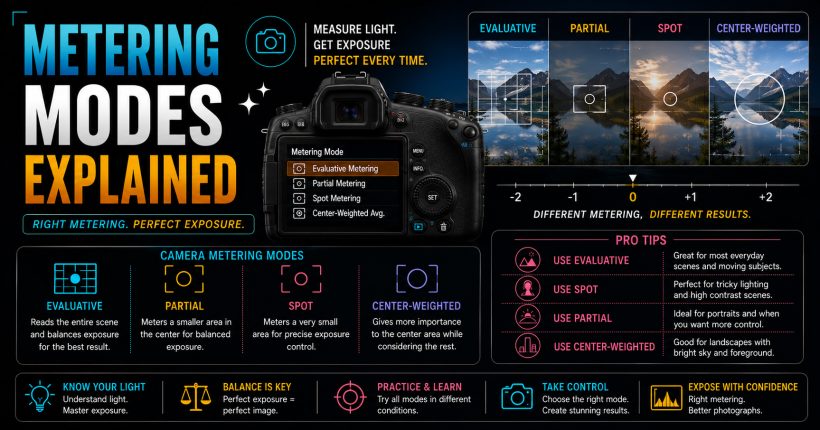
Learn camera metering modes, exposure measurement, and professional techniques to capture perfectly exposed photographs in every lighting condition with confidence.
-
Jul 24, 2026
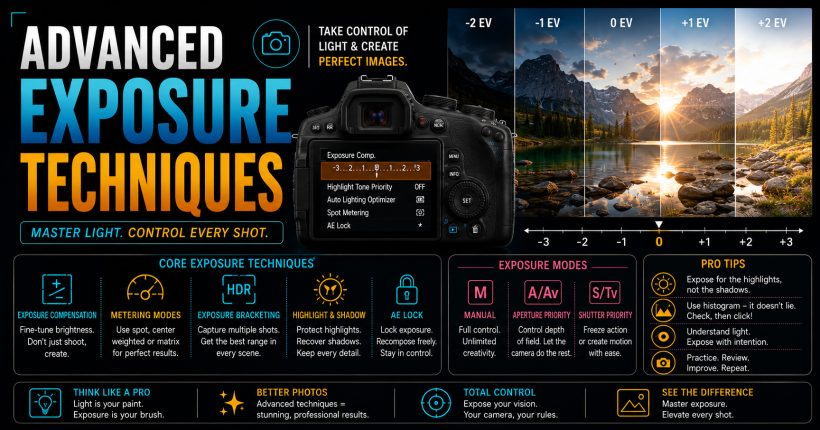
Master advanced exposure techniques using histograms, metering, exposure compensation, and bracketing to capture perfectly exposed professional-quality photographs every time.
-
Jul 24, 2026
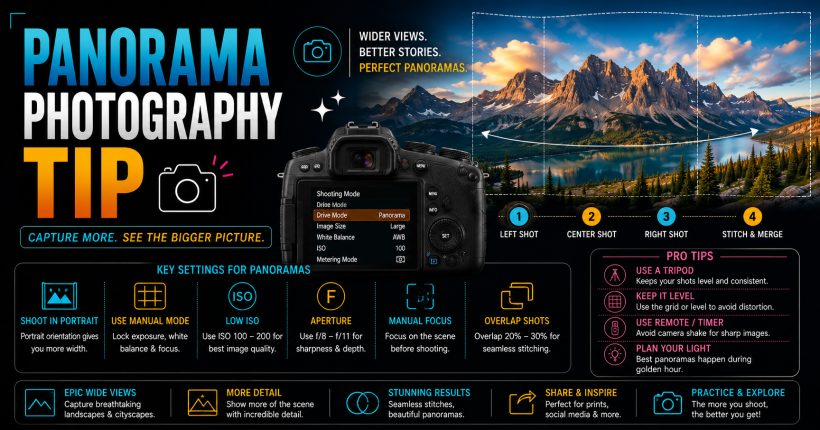
Learn panorama photography with simple camera settings, stitching techniques, and professional tips to capture breathtaking wide-angle landscapes and cityscapes effortlessly.
-
Jul 24, 2026
Learn time-lapse photography with simple camera settings, interval techniques, editing workflow, and expert tips for creating stunning cinematic videos effortlessly.
Sign up to receive our latest updates
Get in touch
Call us directly?
+91 9769533675
Address
Office No 9, First floor, Sudama Tower, Kasturi Plaza, Dombivli (E)
support@photovideocourse.com
Popular Courses

- © 2026 Sharanya Institute Of Photography All rights reserved.