
Understanding White Balance Like a Professional (Complete Guide 2026)
Have you ever taken a photo that looked too yellow, too blue, or unnatural, even though the lighting seemed perfect?
The problem is usually White Balance (WB).
White Balance is one of the most important camera settings because it controls how colors appear in your photos and videos. When set correctly, white objects look truly white, skin tones appear natural, and your images feel realistic.
Whether you’re shooting portraits, weddings, landscapes, products, wildlife, or cinematic videos, understanding White Balance will help you create professional-looking results.
In this complete guide, you’ll learn:
- What White Balance is
- Why White Balance is important
- Color temperature explained
- Kelvin scale made simple
- Different White Balance modes
- Auto vs Manual White Balance
- Custom White Balance
- Professional tips and common mistakes
Let’s begin.
What is White Balance?
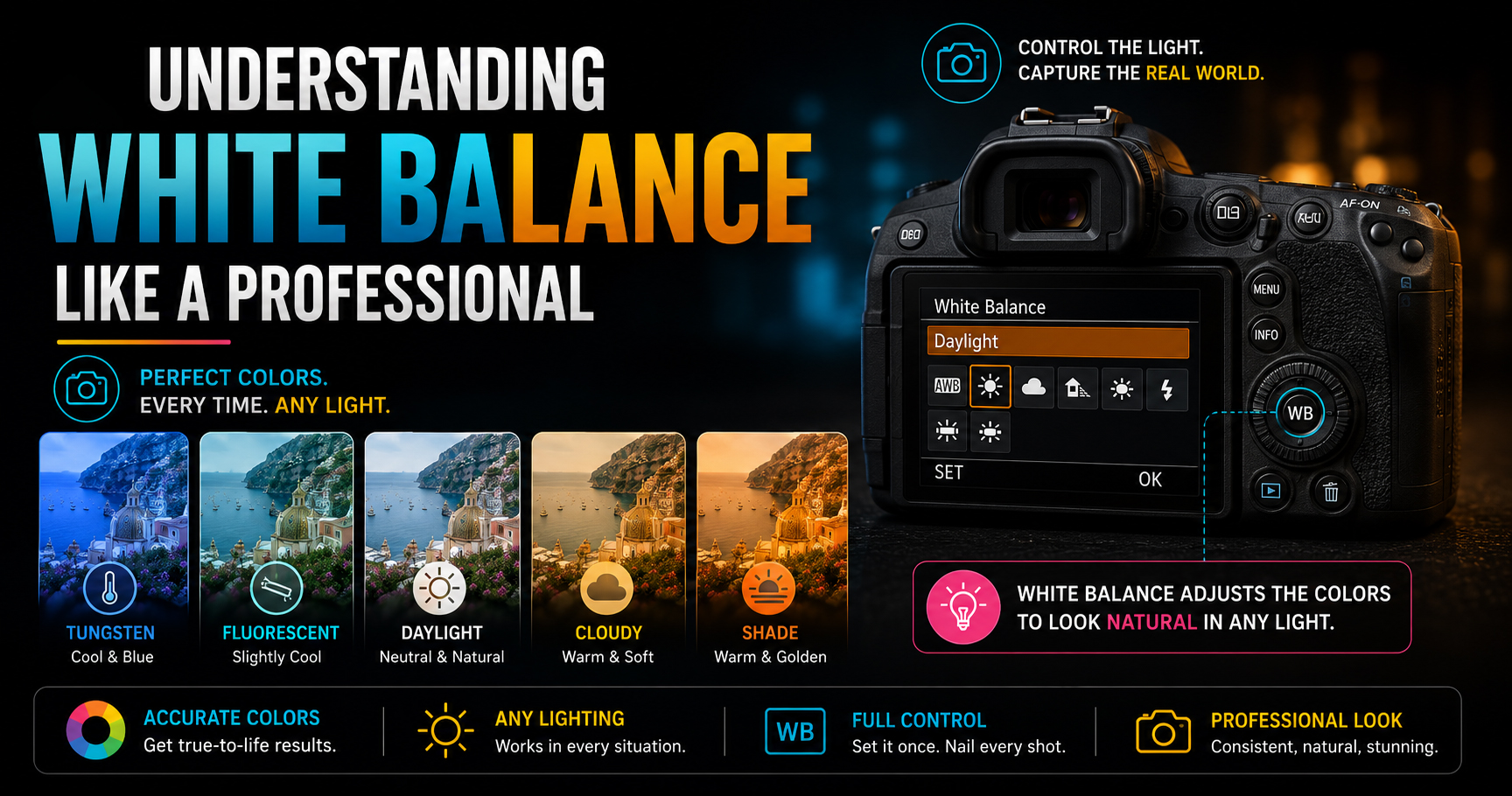
White Balance is a camera setting that adjusts colors to match the color of the light around you.
Its main purpose is to make white objects appear white regardless of the lighting conditions.
Different light sources have different color tones. White Balance helps your camera compensate for those differences.
For example:
- Sunlight produces neutral colors.
- A household tungsten bulb adds a warm yellow/orange tint.
- Shade often creates a cool blue tone.
By adjusting White Balance, your camera produces colors that look natural.
Why is White Balance Important?
Correct White Balance helps you:
- Capture accurate colors.
- Produce natural-looking skin tones.
- Avoid unwanted blue or yellow color casts.
- Save editing time.
- Maintain color consistency across photos and videos.
- Create a professional look straight out of the camera.
Incorrect White Balance can make even a well-composed image appear unrealistic.
What is Color Temperature?
Every light source has a color temperature, measured in Kelvin (K).
Lower Kelvin values produce warmer (yellow/orange) light, while higher Kelvin values produce cooler (blue) light.
Simple Kelvin Scale
| Color Temperature | Light Source |
|---|---|
| 2000K | Candlelight |
| 3200K | Tungsten Bulb |
| 4000K | Fluorescent Light |
| 5200K | Daylight |
| 6000K | Cloudy Weather |
| 7000K–8000K | Shade |
Understanding Kelvin helps you choose the correct White Balance for different environments.
Common White Balance Modes
Most DSLR and mirrorless cameras include several preset White Balance modes.
1. Auto White Balance (AWB)
The camera automatically detects the lighting and adjusts colors.
Best For
- Beginners
- Everyday photography
- Outdoor shooting with changing light
Advantages
- Fast and convenient.
- Works well in many situations.
Limitation
The camera may struggle under mixed lighting, causing inconsistent colors.
2. Daylight Mode
Usually around 5200K.
Best For
- Sunny outdoor photography
- Landscapes
- Travel
This setting produces natural colors under direct sunlight.
3. Cloudy Mode
Usually around 6000K.
Best For
- Cloudy days
- Outdoor portraits
Cloudy mode adds a touch of warmth to compensate for cool lighting.
4. Shade Mode
Usually around 7000K.
Best For
- Subjects in open shade
- Forest photography
- Outdoor portraits
This mode reduces the blue tint commonly found in shaded areas.
5. Tungsten (Incandescent)
Usually around 3200K.
Best For
- Indoor photography under traditional bulbs
This setting removes the strong yellow/orange color cast produced by tungsten lighting.
6. Fluorescent Mode
Usually around 4000K.
Best For
- Offices
- Schools
- Indoor commercial spaces
It helps correct the greenish tint often produced by fluorescent lights.
7. Flash Mode
Optimized for photos taken using an external or built-in flash.
It helps maintain natural colors when flash is the primary light source.
Manual Kelvin White Balance
Professional photographers often set White Balance manually using Kelvin values.
Approximate starting points:
- 3200K – Indoor tungsten lighting
- 4500K – Mixed indoor lighting
- 5200K – Bright daylight
- 6000K – Cloudy conditions
- 7000K – Shade
Manual Kelvin settings provide consistent results, especially during weddings, events, and video productions.
Custom White Balance
Custom White Balance allows you to create an accurate color profile based on the actual lighting in your scene.
You can set it using:
- A white card
- A gray card
- The camera’s Custom WB function
Best For
- Product photography
- Fashion photography
- Studio photography
- Commercial work
- Professional video production
Custom White Balance delivers the most accurate colors.
Learn White Balance Through Practical Photography
Understanding White Balance in theory is useful, but seeing how it changes colors in real shooting situations is what truly builds confidence.
At Sharanya Institute Of Photography, under the guidance of Shrinivas Javanjal, students practice White Balance in outdoor shoots, studio lighting setups, weddings, product photography, portrait sessions, and cinematography projects.
Our Online and Offline Diploma in Photography & Wedding Cinematography Courses are designed to help beginners master camera settings, lighting, composition, editing, color grading, and professional workflows through hands-on learning.
If your goal is to become a professional photographer, cinematographer, or editor, practical training will help you understand White Balance and every other essential camera setting much faster.
White Balance for Different Photography Styles
Portrait Photography
Recommended:
- Cloudy
- Shade
- Custom White Balance
Natural skin tones are the top priority.
Landscape Photography
Recommended:
- Auto
- Daylight
These settings preserve natural outdoor colors.
Wedding Photography
Recommended:
- Manual Kelvin
- Custom White Balance
Lighting changes frequently at weddings, so consistency is important.
Product Photography
Recommended:
- Custom White Balance
- Gray Card
Accurate product colors are essential for e-commerce and commercial photography.
Food Photography
Recommended:
- Manual Kelvin
- Cloudy Mode
Slightly warmer tones often make food look more appealing.
Videography
Recommended:
- Manual Kelvin
Avoid Auto White Balance because color shifts during recording can be distracting.
Auto White Balance vs Manual White Balance
| Feature | Auto WB | Manual WB |
| Easy to Use | Excellent | Moderate |
| Color Accuracy | Good | Excellent |
| Consistency | Moderate | Excellent |
| Best for Beginners | Yes | After Learning Basics |
| Best for Professionals | Sometimes | Yes |
For casual photography, Auto WB is often sufficient. For professional work, manual or custom settings offer greater control.
Common White Balance Mistakes
Avoid these common errors:
- Leaving Auto White Balance on during video recording.
- Using Daylight mode indoors.
- Ignoring mixed lighting conditions.
- Forgetting to reset White Balance after changing locations.
- Relying only on editing to fix incorrect colors.
Getting White Balance right in-camera saves time and improves consistency.
Professional Tips
- Shoot in RAW for greater White Balance flexibility during editing.
- Learn the Kelvin scale instead of depending entirely on presets.
- Use a gray card for commercial work.
- Keep White Balance consistent during weddings and events.
- Check your images on the camera screen and histogram after major lighting changes.
- Practice using different WB modes to understand their effects.
Frequently Asked Questions (FAQs)
What is White Balance in photography?
White Balance is a camera setting that adjusts colors so that white objects appear white and other colors look natural under different lighting conditions.
Which White Balance mode is best?
Auto White Balance works well in many situations, but manual Kelvin or Custom White Balance provides greater consistency for professional photography and videography.
What is Kelvin in White Balance?
Kelvin (K) measures the color temperature of light. Lower values are warmer, while higher values are cooler.
Should I shoot RAW or JPEG for White Balance?
RAW is recommended because it allows you to adjust White Balance more easily during editing without significant quality loss.
Is White Balance important for video?
Yes. Consistent White Balance is essential for professional-looking video because changing colors during recording can distract viewers.
Final Thoughts
White Balance may seem like a small camera setting, but it has a major impact on the overall quality and realism of your photographs and videos. Once you understand how different light sources affect color and how to adjust White Balance accordingly, your images will look cleaner, more accurate, and more professional.
Start with Auto White Balance as you learn, then gradually experiment with preset modes, Kelvin settings, and Custom White Balance. With practice, choosing the correct White Balance will become second nature.
If you’re passionate about becoming a professional photographer, cinematographer, or editor, Sharanya Institute Of Photography offers Online and Offline Diploma in Photography & Wedding Cinematography Courses under the expert mentorship of Shrinivas Javanjal. Through practical assignments, live shoots, studio sessions, and editing classes, you’ll master White Balance and every other essential skill needed for a successful creative career.
Tags:
You May Also Like
-
Jul 24, 2026
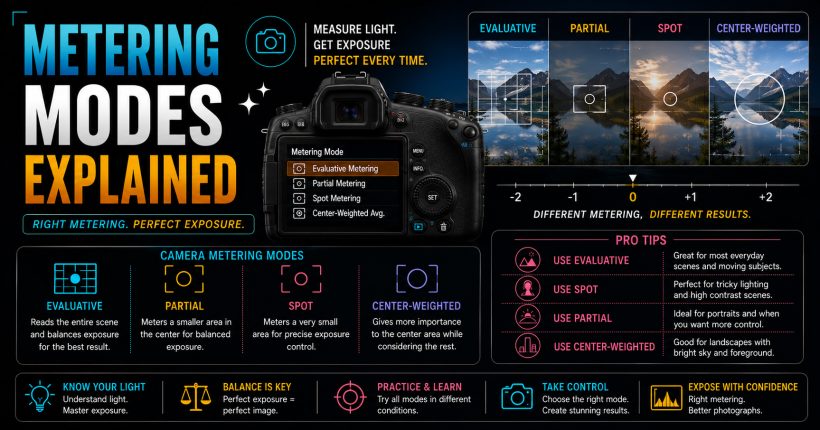
Learn camera metering modes, exposure measurement, and professional techniques to capture perfectly exposed photographs in every lighting condition with confidence.
-
Jul 24, 2026
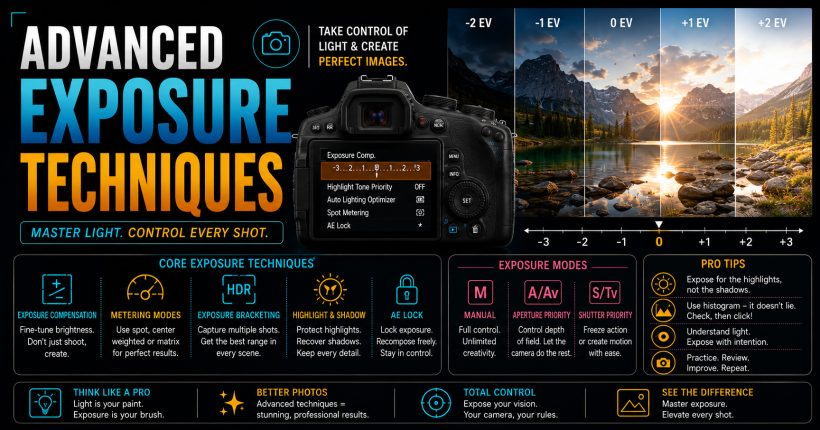
Master advanced exposure techniques using histograms, metering, exposure compensation, and bracketing to capture perfectly exposed professional-quality photographs every time.
-
Jul 24, 2026
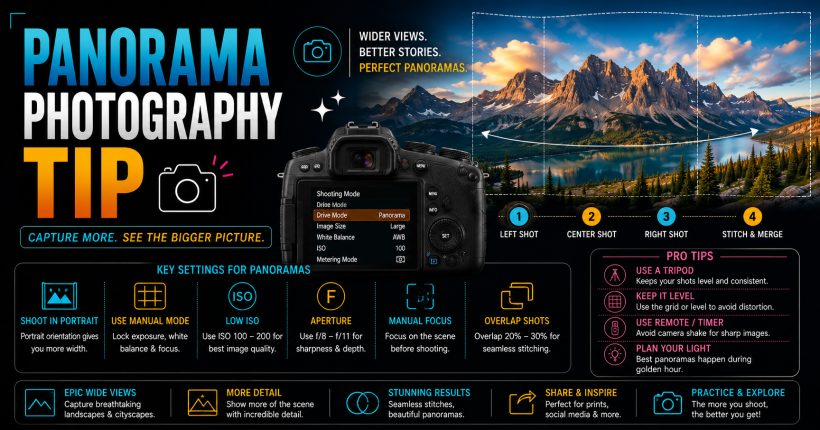
Learn panorama photography with simple camera settings, stitching techniques, and professional tips to capture breathtaking wide-angle landscapes and cityscapes effortlessly.
-
Jul 24, 2026
Learn time-lapse photography with simple camera settings, interval techniques, editing workflow, and expert tips for creating stunning cinematic videos effortlessly.
Sign up to receive our latest updates
Get in touch
Call us directly?
+91 9769533675
Address
Office No 9, First floor, Sudama Tower, Kasturi Plaza, Dombivli (E)
support@photovideocourse.com
Popular Courses

- © 2026 Sharanya Institute Of Photography All rights reserved.